

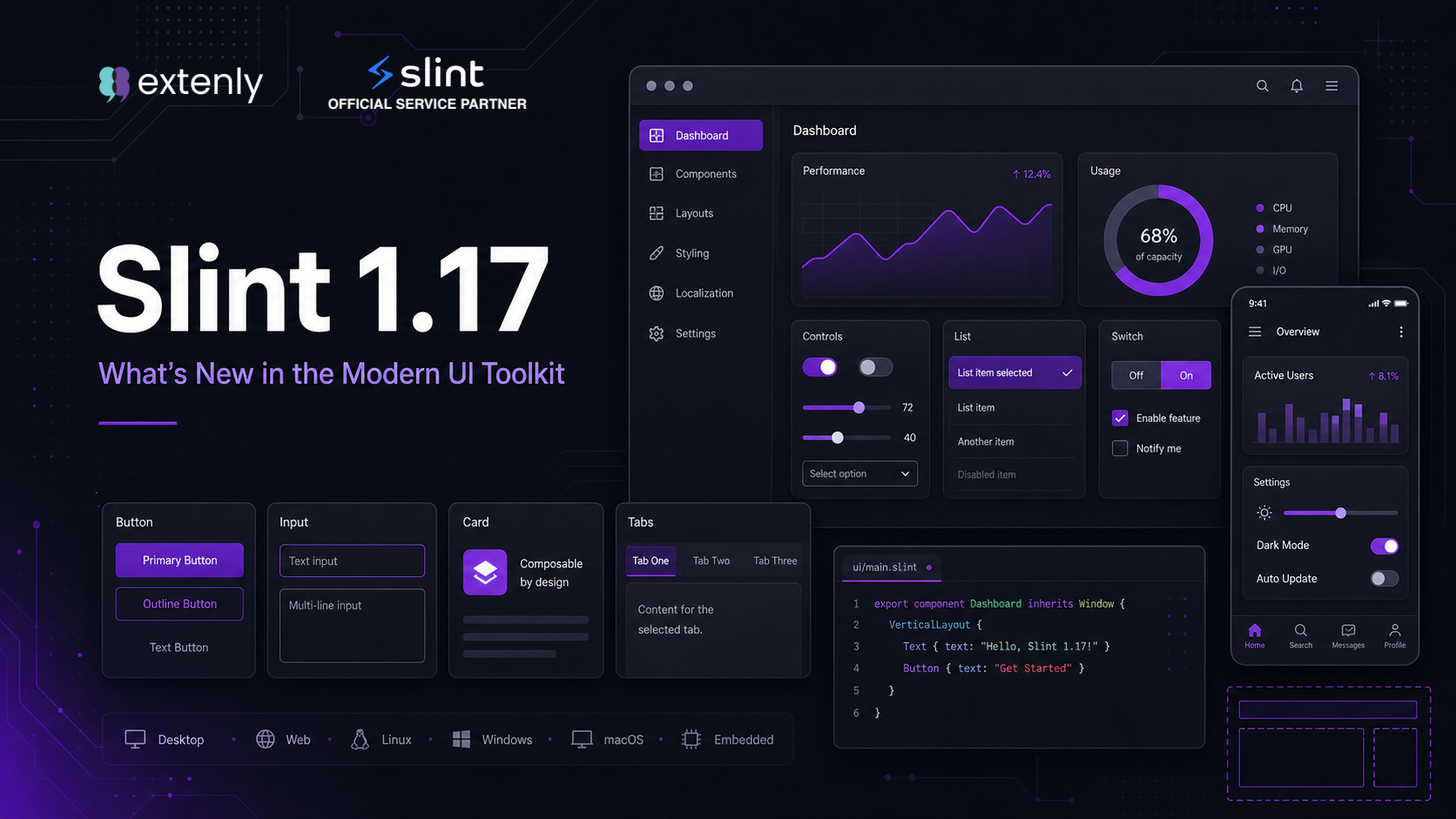

When we first covered Slint back in 2024, it was already a compelling choice for building native UIs on embedded and cross-platform targets. As a quick refresher: Slint is an open-source declarative GUI toolkit built around the .slint domain-specific language, a clean markup inspired by a Rust/QML/CSS mix, that separates the presentation layer from business logic. The runtime is written in Rust and can run using well under a megabyte of RAM in minimal configurations, targeting everything from bare-metal microcontrollers and embedded Linux devices to Android, iOS, Windows, macOS, and even the browser via WebAssembly (experimental).
Since then, the toolkit has continued to evolve at a healthy pace, and with version 1.17, which was released on June 24, 2026, it takes another big step, this time toward being genuinely desktop-ready. In this article we highlight what is new in 1.17 and dive deeper into two areas that make Slint especially developer-friendly: its multi-language support and its powerful Live-Preview workflow.
Multi-Language Support
One of Slint’s defining strengths is its clean separation between UI and business logic. The .slint files describe the interface using layouts, components, animations, property bindings etc. while all application logic lives in the language of your choice. Slint currently provides first-class bindings for four languages:
- Rust: the primary and most mature binding, with deep toolchain integration via Cargo and build scripts.
- C++: a robust binding with CMake/FetchContent support, making it a natural fit for existing embedded and desktop C++ projects.
- JavaScript / Node.js: bindings available via npm, enabling desktop apps through Node.js without requiring a compiled systems language.
- Python: available as a binary package on Windows, macOS, and Linux, requiring no compilation to get started, with full static type hint support for type checkers like mypy.
The .slint file is always the common UI layer, and it is host-language-agnostic: the same UI files can be used from any of the four language bindings without modification. This enables some genuinely useful workflows. You can prototype an application in Python for fast iteration and later port the business logic to Rust or C++ for production, while the entire UI carries over untouched. An embedded product can pair its real device backend in Rust or C++ with a desktop simulation backend in JavaScript or Python for demos and testing, both driving the exact same UI files. And designers can iterate on the UI with the Live-Preview tooling without touching (or even having installed) the host-language toolchain at all.
Version 1.17 reinforces this parity: the StyledText API now parses Markdown at runtime in all four languages, Rust, C++, JavaScript, and Python, so you can construct styled text from data your application loads at runtime, not just from .slint literals.
Hello, World! — One UI, Four Languages
The .slint UI definition is identical regardless of host language. Here is a simple window with a greeting:
// app_window.slint
export component AppWindow inherits Window {
    width: 400px;
    height: 200px;
    Text {
        text: "Hello from Slint 1.17!";
        font-size: 24px;
        horizontal-alignment: center;
        vertical-alignment: center;
    }
}
Rust:
slint::include_modules!();
fn main() -> Result<(), Box<dyn std::error::Error>> {
    AppWindow::new()?.run()?;
    Ok(())
}
C++:
#include "app_window.h"
int main() {
    auto ui = AppWindow::create();
    ui->run();
}
JavaScript (Node.js):
import * as slint from "slint-ui";
const ui = slint.loadFile(new URL("app_window.slint", import.meta.url));
const app = new ui.AppWindow();
await app.run();
Python:
import slint, app_window
app = app_window.AppWindow()
app.run()
Live-Preview: See Your Changes Instantly
Live-Preview is one of Slint’s most compelling developer-experience features. The concept is straightforward: as you edit a .slint file in your editor, a preview window updates in real time, without recompilation, restarting or waiting. Changes to layout, colors, animations, and property values appear immediately, giving designers and developers a tight feedback loop that dramatically accelerates UI iteration. While instant UI previews are no longer unique to Slint, Slint’s implementation stands out for how deeply it is integrated across the tooling: the editor extension, a Design Mode that writes changes back to source, the browser-based SlintPad, and, new in 1.17, live preview on a physical phone or tablet.
More Than a Preview: Design Mode
Live-Preview is powered by Slint’s Language Server Protocol (LSP) implementation. When you install the official Slint VS Code extension and open a .slint file, the extension communicates with the LSP server running in the background. Issuing the “Slint: Show Preview” command launches a separate window that mirrors the component you are editing. Any edit, even unsaved, is reflected immediately in the preview.
The VS Code extension also includes a Design Mode that goes beyond passive preview: you can drag and drop elements, reposition widgets within layouts using visual drop zones, and adjust property values interactively. Changes made in Design Mode are written back to the .slint source file.
New in 1.17: Remote Live-Preview on Your Phone
Slint 1.17 takes Live-Preview beyond the desktop. A new –remote flag connects the slint-viewer to a Slint LSP running on another machine and renders the design locally. In practice, that means you can edit a .slint file on your desktop and watch the result update live on a phone or tablet as you type, with real touch input, real screen dimensions, and real pixel density. The viewer is in beta for Android on Google Play (an APK is also available), and for iOS through TestFlight while App Store review is underway. For anyone designing mobile or touch-first UIs, this closes the gap between “looks right in the desktop preview” and “feels right on the device.”
Live-Preview in Rust and C++ Applications
Slint also supports Live-Preview inside a running Rust or C++ application. With a small addition to your build configuration, the Slint runtime monitors the .slint source files on disk. When it detects a change, it reloads the UI automatically without restarting the application or re-running the business logic. This is particularly powerful for embedded UI work, where full compilation cycles can be slow. Live-Preview is a development-time mode, while production builds still use fully compiled UI code.
SlintPad: Live-Preview in the Browser
For those who want to experiment without any local setup, SlintPad offers a browser-based Live-Preview environment. You can write .slint code directly in the editor and see it rendered in real time, making it an ideal tool for prototyping, sharing, or simply getting familiar with the language without a full development environment.
What’s New in Slint 1.17
Slint 1.17 was released on June 24, 2026, and is framed by the team as another big step toward making Slint desktop-ready, following the roadmap laid out in late 2025. Four boxes get checked off that list: single-window drag and drop, system tray icons, built-in tooltips, and two-way bindings on model rows. Work on drag and drop, system tray icons, and tooltips was funded by NLnet as part of the Slintify LibrePCB project.
Drag and Drop
Drag and drop interactions can now be added to Slint applications declaratively. A DragArea marks the source of a drag, a DropArea marks the target, and the payload is an opaque data-transfer value that you construct and read in your host language:
export global Api {
    pure callback make-transfer(string) -> data-transfer;
    pure callback read-transfer(data-transfer) -> string;
}

export component Example inherits Window {
    DragArea {
        data: Api.make-transfer("Hello World");
        allow-copy: true;
        Rectangle { background: #f0c000; width: 100px; height: 100px; }
    }

    drop := DropArea {
        x: 150px;
        can-drop(event) => DragAction.copy;
        dropped(event) => {
            debug("Got: ", Api.read-transfer(event.data));
            return event.proposed-action;
        }
        Rectangle {
            background: drop.contains-drag ? #80e080 : #a0a0a0;
            width: 100px;
            height: 100px;
        }
    }
}
The can-drop callback runs while the drag hovers and returns a DragAction that drives the cursor and any visual feedback; dropped runs on release and confirms the action. In this release, drag and drop works within the application while dragging to and from other applications is in development upstream in winit. A kanban board demo showing the feature is available to try live in the browser.
System Tray Icons
The new SystemTrayIcon element lets you run a quiet background application, display status updates, or expose a quick-action menu from the system tray, with the same declarative element working across macOS, Windows, and Linux:
export component MyTray inherits SystemTrayIcon {
    icon: @image-url("tray.png");
    tooltip: "My App";

    callback show-window();
    callback hide-window();

    Menu {
        MenuItem {
            title: "Show";
            activated => { show-window(); }
        }
        MenuItem {
            title: "Hide";
            activated => { hide-window(); }
        }
    }
}
Tooltips and Radio Groups
Two new widgets that show up everywhere in a real desktop application. A Tooltip can be attached to any element, and since it accepts styled text, you can use the @markdown macro for formatting:
Button {
    text: "Save";
    Tooltip { text: @markdown("Save the current document (Ctrl+S)"); } }
}
And RadioGroup bundles a set of radio buttons, managing selection state and keyboard navigation for you:
RadioGroup {
    RadioButton { text: "Small"; }
    RadioButton { text: "Medium"; checked: true; }
    RadioButton { text: "Large"; }
}
Two-Way Bindings on Model Rows
Following the two-way bindings on struct fields introduced in Slint 1.15, you can now bind directly to model row data with text <=> item.name, editing a row in place without bouncing through a callback to write the change back. This makes editable lists and tables considerably cleaner to express.
An MCP Server for AI Assistants
An intriguing addition for the AI-assisted development era: a Slint application can now embed a Model Context Protocol (MCP) server. Once connected, an AI assistant can inspect a running application through its accessibility tree, drive the UI by injecting mouse, touch, and keyboard input, and capture screenshots to reason about the result. The Slint team also ships skills and plugins that teach AI coding assistants how to write Slint code, a sign of how quickly agentic tooling is becoming part of the standard UI development workflow.
Other Notable Changes
- Cross-axis alignment on layouts: the new cross-axis-alignment property on VerticalLayout and HorizontalLayout aligns children along the cross axis, resolving a long-requested feature.
- C++ on Android: Slint applications for Android can now be built from a C++ codebase.
- Runtime Markdown parsing: the StyledText API in Rust, C++, JavaScript, and Python now parses Markdown at runtime, not just from .slint literals.
- Faster Node.js port: on Linux and macOS, the event loop integrates with libuv so idle CPU usage drops to near zero (Windows pending).
- Drop-shadow improvements: drop-shadow-spread and a full set of inner-shadow-* properties on Rectangle (Skia renderer only).
Licensing
Slint is developed and maintained by SixtyFPS GmbH and offers a flexible licensing model that spans open source, free commercial use, and paid subscription plans. The right choice depends on what you are building and the size of your organization:
| License | Who is it for? | Cost | Key points |
|---|---|---|---|
| GPLv3 | Open-source applications | Free | Full toolkit on all platforms; application source code must be made available under a GPL-compatible license upon distribution. |
| Royalty-Free | Proprietary desktop, mobile, and web applications | Free | No source-code obligations and no per-device royalties; embedded systems are excluded (they require a paid plan or GPLv3). |
| Startup & Individual | Individuals, or companies with up to 10 employees, up to €2M turnover/balance, and less than 5 years since incorporation | Paid subscription | Proprietary applications on all platforms, including embedded; Standard support and Perpetual Fallback License available as add-ons. |
| Small Enterprise | Companies with up to 50 employees and up to €10M turnover or balance sheet | Paid subscription | Same platform coverage as Startup & Individual, with Standard support included; Perpetual Fallback License available as an add-on. |
| Enterprise | Companies of any size | Paid subscription | All platforms, Standard support, invoice-based billing, and a Perpetual Fallback License included after 12 consecutive months of subscription; Premium support available. |
A few practical notes: for commercial embedded systems, a one-time per-device royalty (from $1.00 per device, with volume discounts or a buyout option) applies on the paid plans, but not for non-commercial, personal, or open-source projects. The Perpetual Fallback License, included with Enterprise and available as an add-on elsewhere, lets you keep using the version you subscribed to (including bugfix releases) even after the subscription ends, once you have completed 12 consecutive months of payments. Company size categories follow the EU SME definition.
Slint 1.17 continues the project’s trajectory of steady, practical improvement, this time with a clear desktop focus. Drag and drop, system tray icons, tooltips, and radio groups close real gaps that separated Slint from established desktop toolkits. Two-way bindings on model rows make data-driven UIs cleaner to express. The remote Live-Preview viewer brings the instant-feedback workflow to real phones and tablets. And the embedded MCP server positions Slint applications for the emerging world of AI-assisted development and testing.
Whether you are coming from a Qt/QML background, a Rust ecosystem, a Python script, or a C++ embedded project, Slint’s multi-language approach means there is a natural on-ramp for your team. The combination of a shared declarative UI layer with language-native business logic bindings, backed by an instant Live-Preview workflow, makes for a development experience that is both fast and maintainable.
As official Slint service partners, we at Extenly are ready to help you evaluate, adopt, and ship with Slint. If you are curious about integrating Slint into your next project, get in touch, we would love to help!